Roamset / Blog
Trip planning guides
for real trips.
How to use Roamset, the Chrome extension, and map-first itineraries - including holiday and weekend workflows. No generic top-10 lists; practical steps you can follow today.
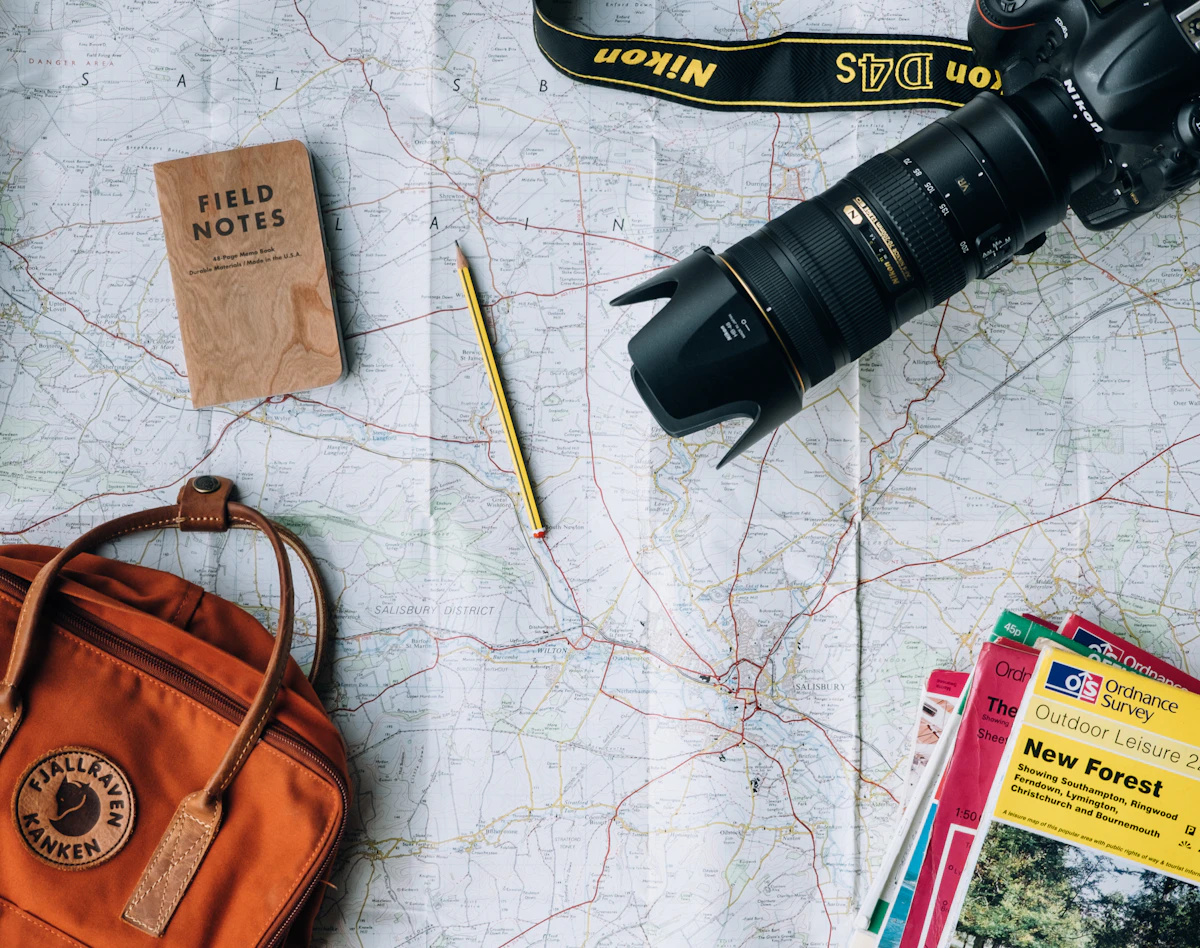
Roamset trip planner app: map, days, and Chrome extension
Roamset is the map-first trip planner at roamset.app — save places from the web, schedule by day, and route between stops.
Read guide →

How to use Roamset: your first trip in 15 minutes
A short Roamset tutorial — create a trip, save from the web, verify places, and schedule your first day on the map.
Read guide →

Roamset travel inbox: stop losing links between tabs
Use the Roamset inbox as a travel save folder — videos, blogs, and Maps links land in one trip before you schedule days.
Read guide →

Solo travel itinerary on one map with Roamset
Plan a solo trip with Roamset: save inspiration alone, verify stops once, and pace days without group chat noise.
Read guide →

Build a food travel itinerary from YouTube with Roamset
Turn food vlogs and restaurant lists into a mapped day plan — save, verify venues, cluster by neighborhood.
Read guide →

Multi-city trip planner: connect stops on one Roamset map
Plan trains between cities and sights within each city — separate days, one trip, clear map view.
Read guide →
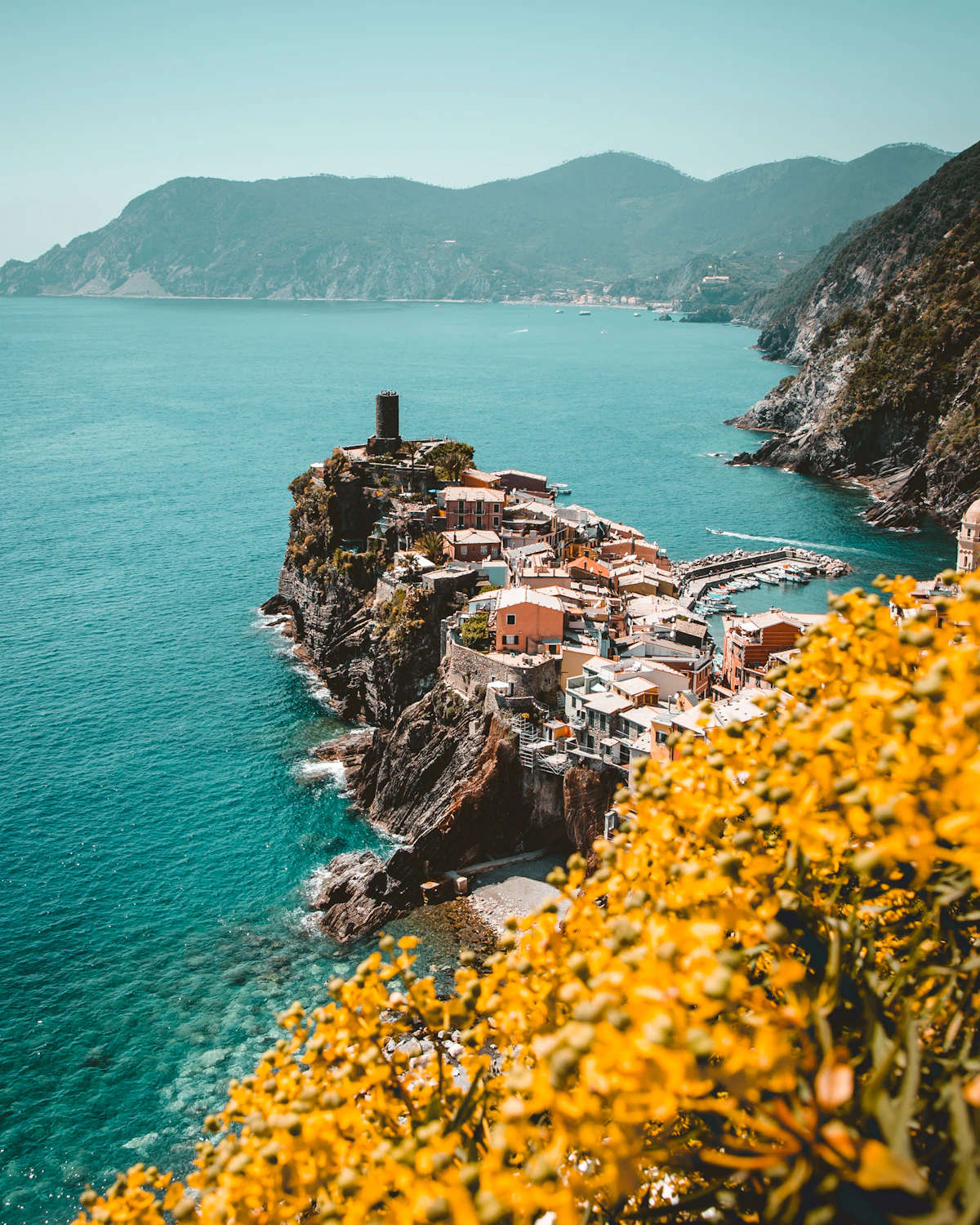
Roamset app and website: plan at roamset.app
The official Roamset app is the web planner at roamset.app plus the Save to Trip Chrome extension — same login, same trips.
Read guide →
What is Roamset? Trip planner and Chrome extension explained
Roamset is a map-first trip planner with a Chrome extension that saves places from the web into day-by-day itineraries.
Read guide →
Roamset Chrome extension: save stops from any travel site
Install the Roamset extension to save Google Maps pins, YouTube videos, and articles into your trip inbox.
Read guide →
How to save places from YouTube travel videos
Turn a travel vlog into a structured list of stops on your map - save the video, verify suggestions, schedule by day.
Read guide →
Turn Google Maps pins into a day-by-day itinerary
Move from a pile of saved pins to ordered days with routes - without rebuilding everything in a spreadsheet.
Read guide →
Why a day-by-day map beats a spreadsheet for travel
Tables hide geography. A map shows when your Tuesday is accidentally across town twice.
Read guide →

Holiday trip planning checklist (map-first workflow)
Flights, stays, and stops on one timeline - a practical order of operations for busy holiday travel.
Read guide →
Christmas and New Year travel: plan ahead without the stress
Use a single map itinerary for family visits, city breaks, and multi-stop holidays.
Read guide →
Plan a weekend getaway on one map in under an hour
A short trip still benefits from a day split, three to five pins per day, and realistic routing.
Read guide →
Plan a group trip on one shared itinerary
One map, one day list, clear stops - fewer screenshots in the chat.
Read guide →
From travel vlog to real itinerary (without copy-paste chaos)
A repeatable workflow: save sources, verify places, schedule days, export.
Read guide →
New to Roamset?
Start with What is Roamset? then install the Chrome extension and create your first trip.
Start planning free