Blog/Workflow
Roamset travel inbox: stop losing links between tabs
Use the Roamset inbox as a travel save folder — videos, blogs, and Maps links land in one trip before you schedule days.
·6 min read
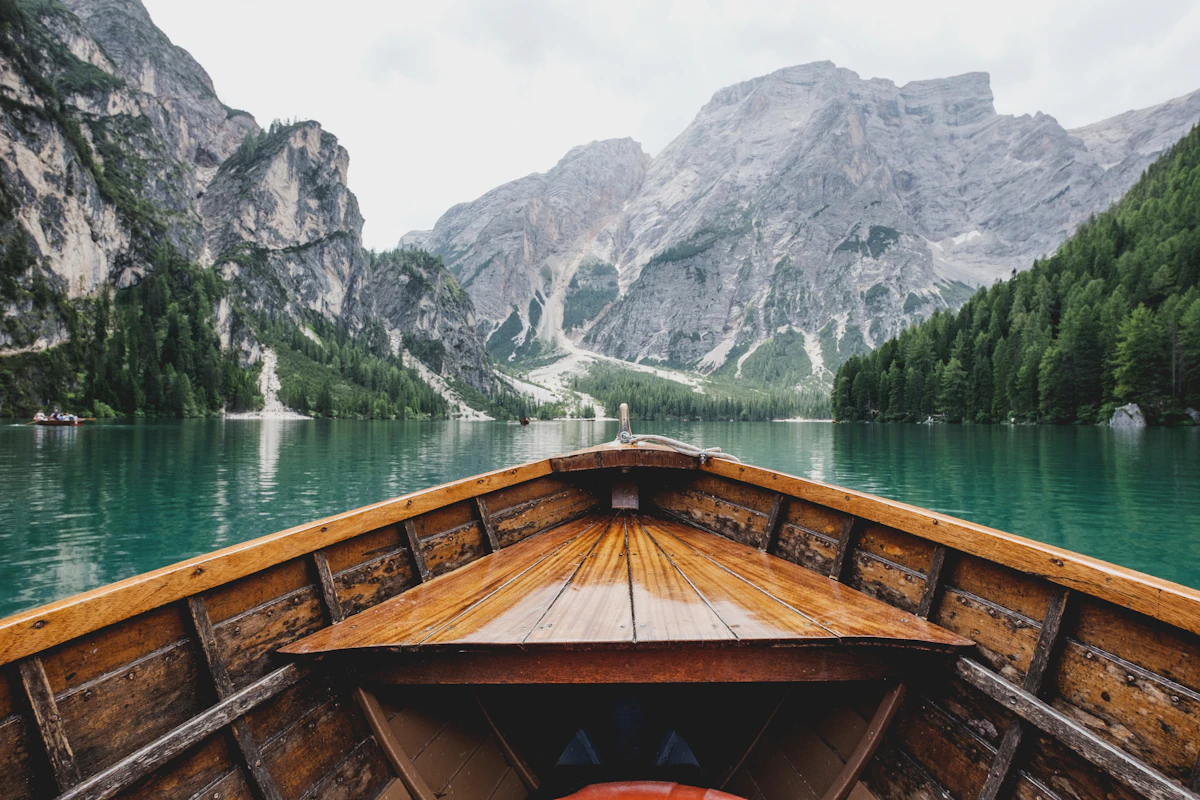
Most trips fail in the research phase: thirty open tabs, starred emails, and Maps lists that never become a schedule. Roamset gives each trip an inbox — every save from the Chrome extension or the website lands in one queue attached to that itinerary.
Inbox first, map second
Save freely while you browse. You are not committing to a day order yet. When you are ready to plan, open Places, verify what is real, and ignore the rest. That separation keeps half-formed ideas out of your day columns.
What belongs in the inbox
- YouTube travel videos you might follow
- Blog posts with neighborhood guides
- Google Maps links (extension bookmark or planner paste import)
- Hotel or activity booking pages as reference links
Roamset trip planner after the inbox
Once verified places exist, the Roamset app map becomes your source of truth. Reorder within a day, check routes, add notes and budgets per stop. The inbox is for capture; the planner is for decisions.
Try the inbox workflow
Create a trip and save five links this week without scheduling any of them yet.
Open Roamset